01Info above
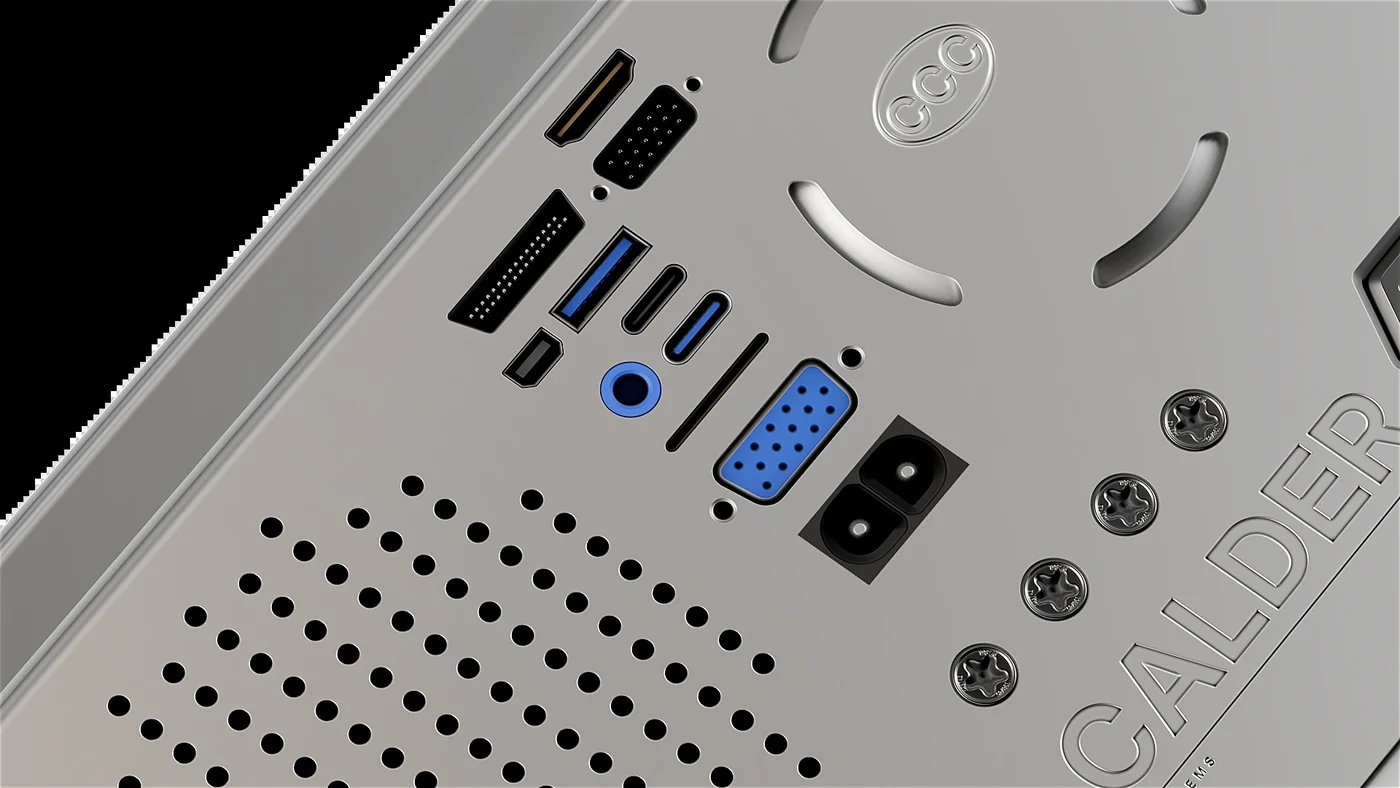
69 decalsThe panel you just looked at. Data plates, warnings, barcodes and control panels. 63 flat prints, 6 embossed plates.
30% offat checkout · first 20 uses
Use code
Panel breaks, vents, ports, fasteners and labels that turn a clean model into a machine. Place them straight onto the surface with DECALmachine, at any scale, on any angle.
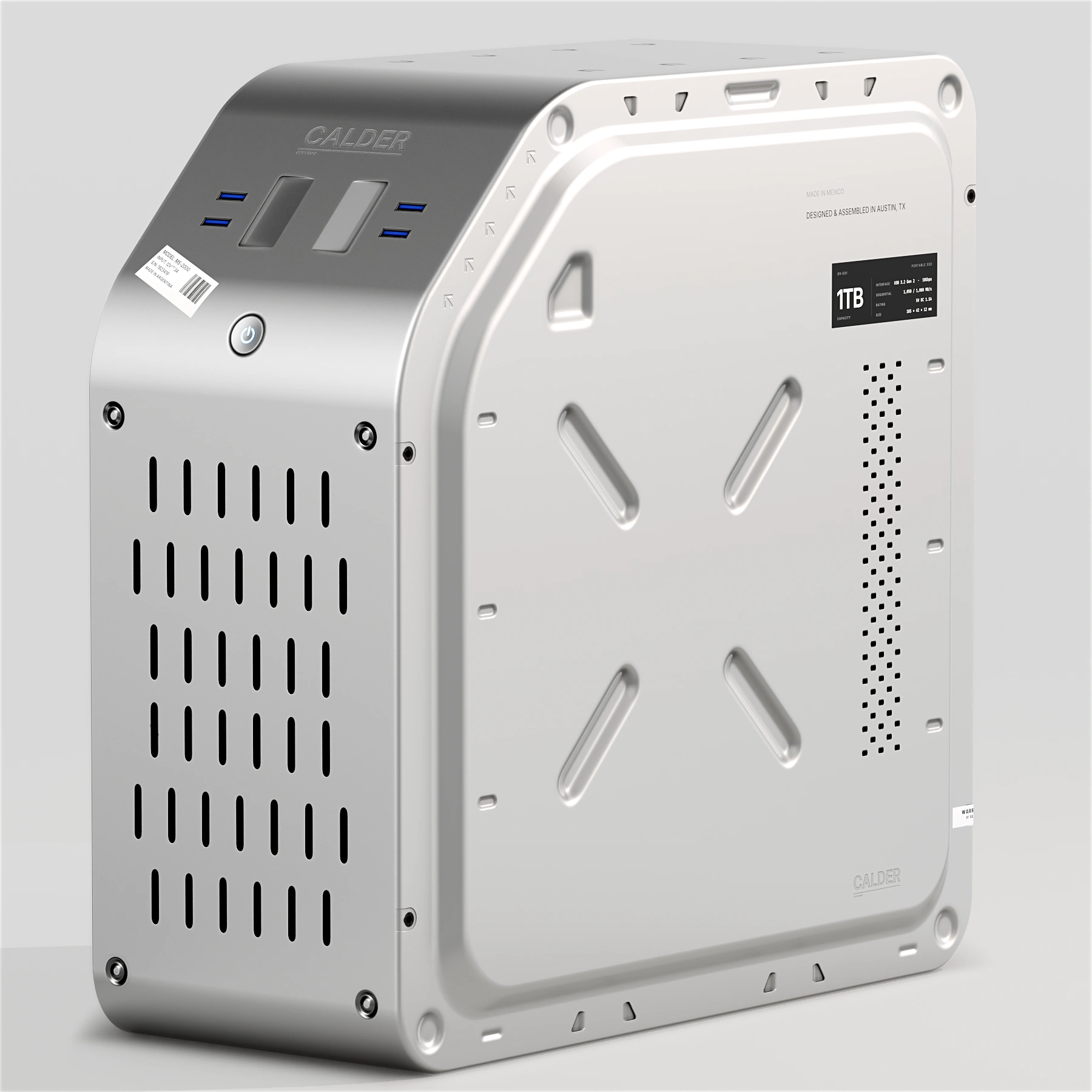
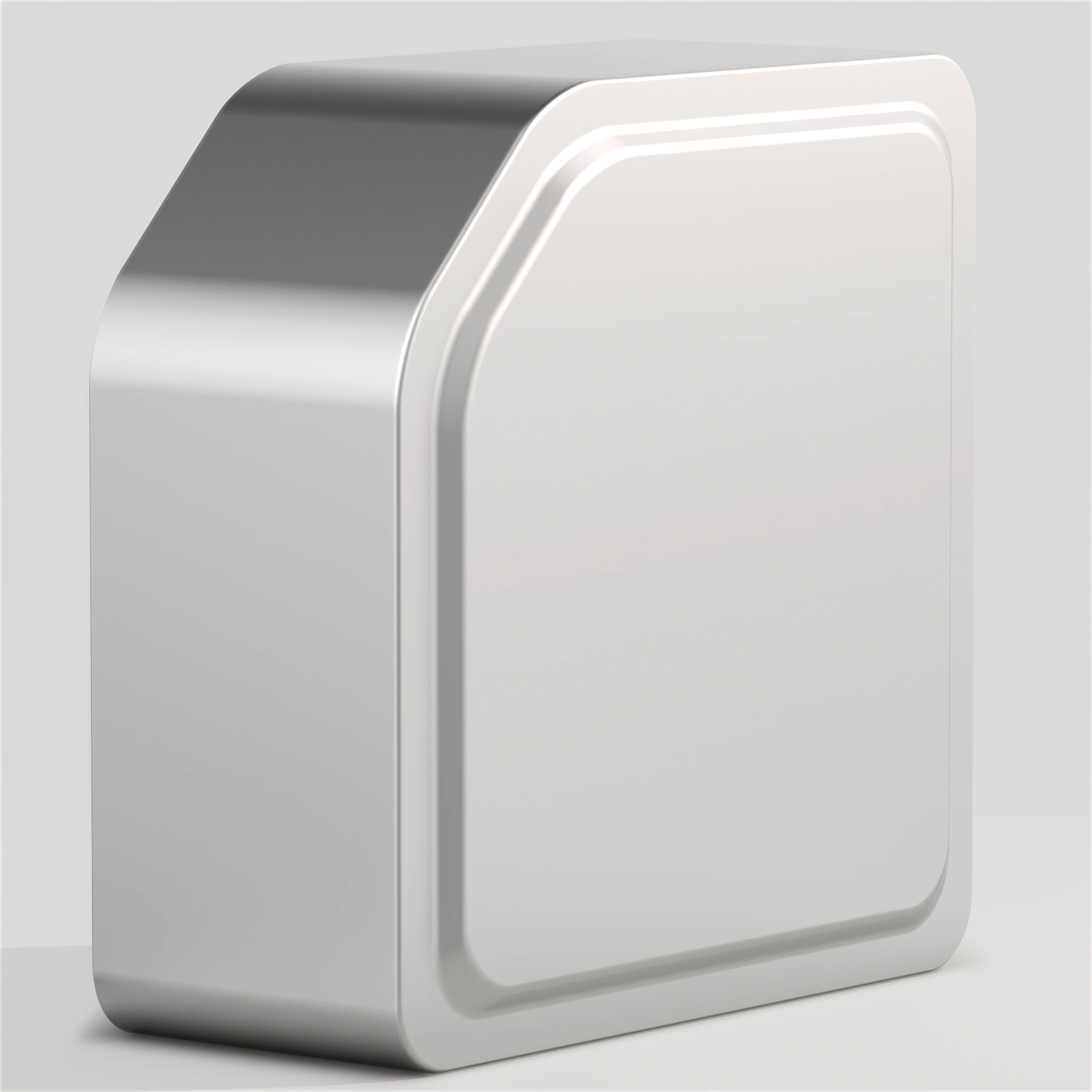 Before
After
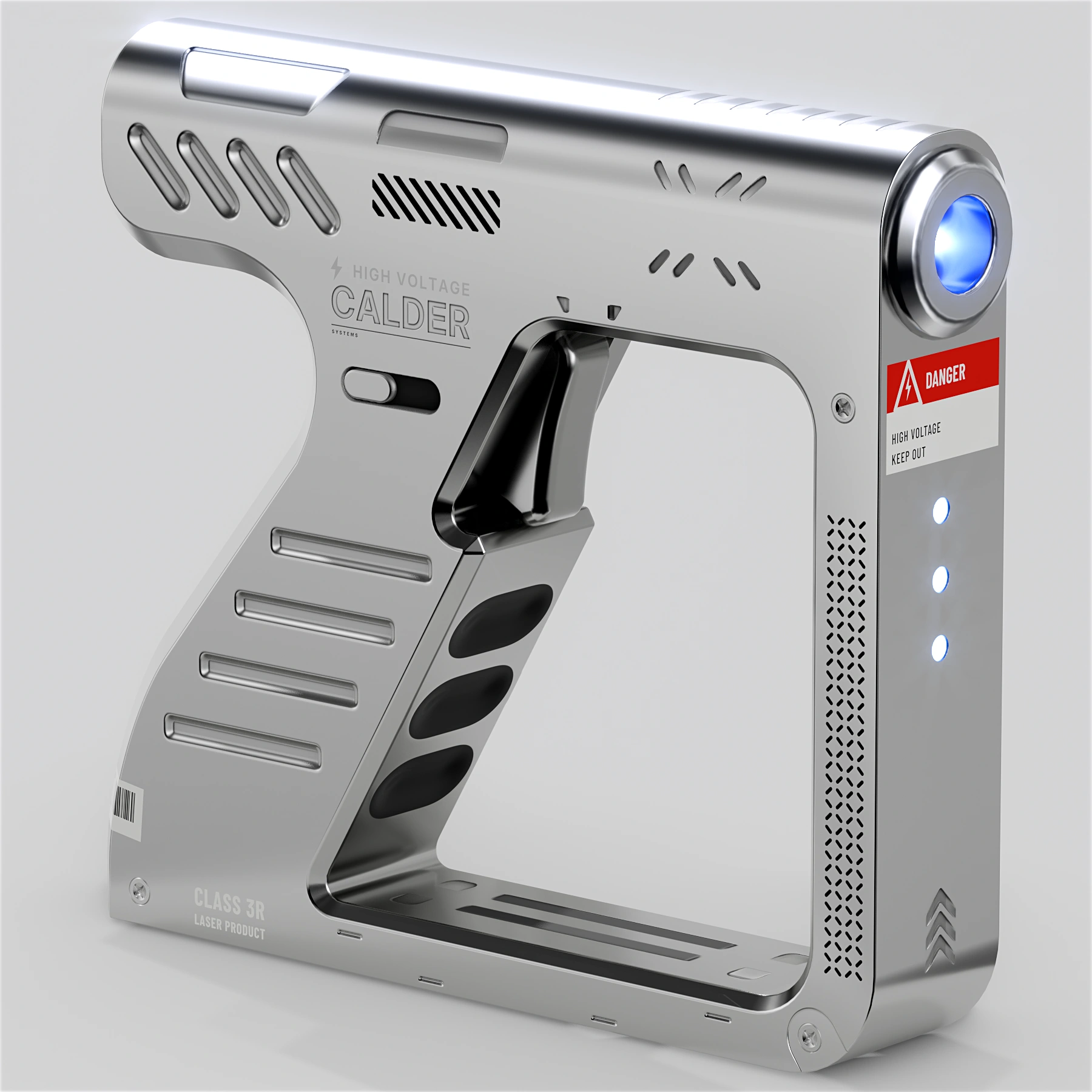
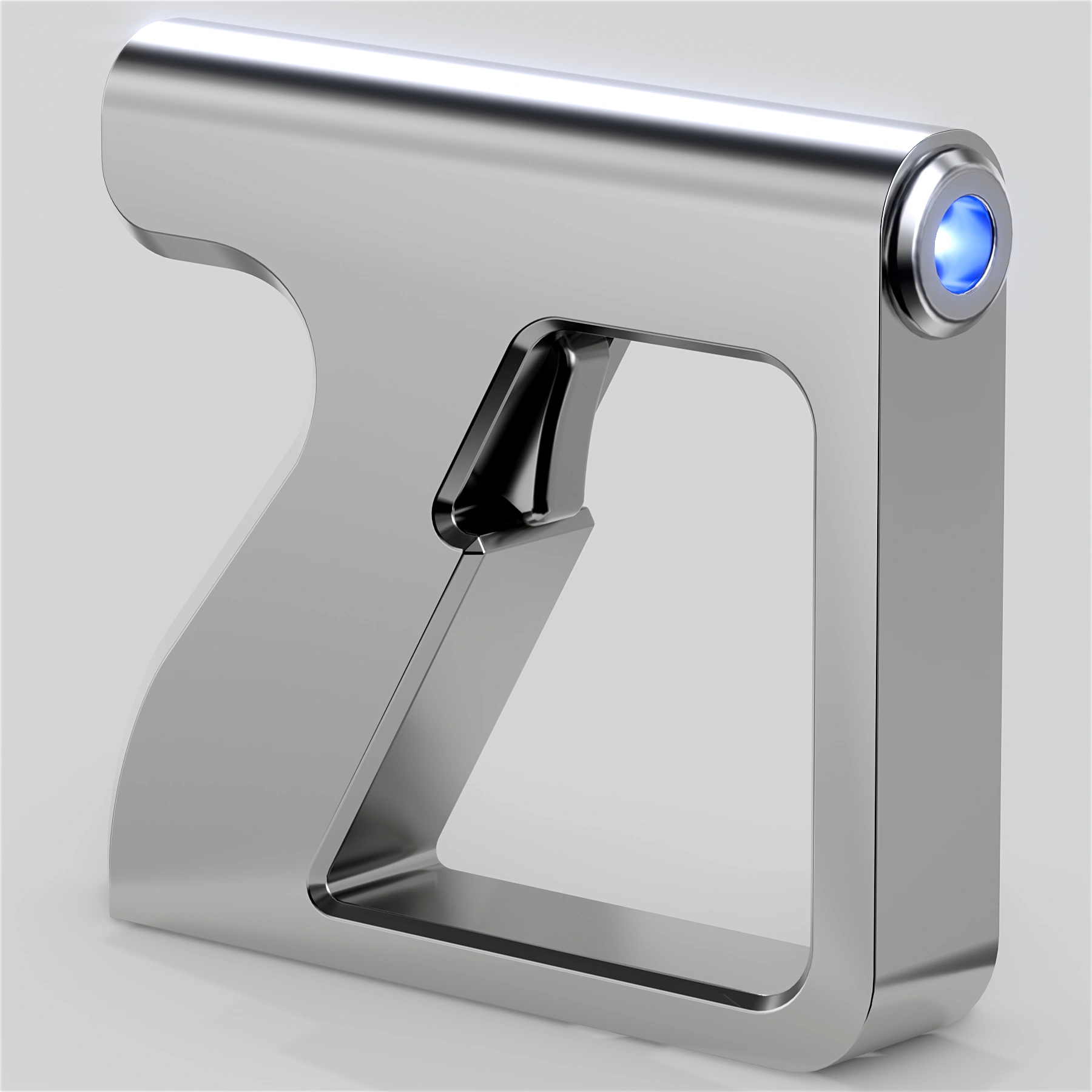 Before
After
Launch offer
30% off for the first 20 uses · Code
$24.49 $34.99
The whole Info library on one panel. Past a certain point it stops reading as decoration and starts reading as a machine.
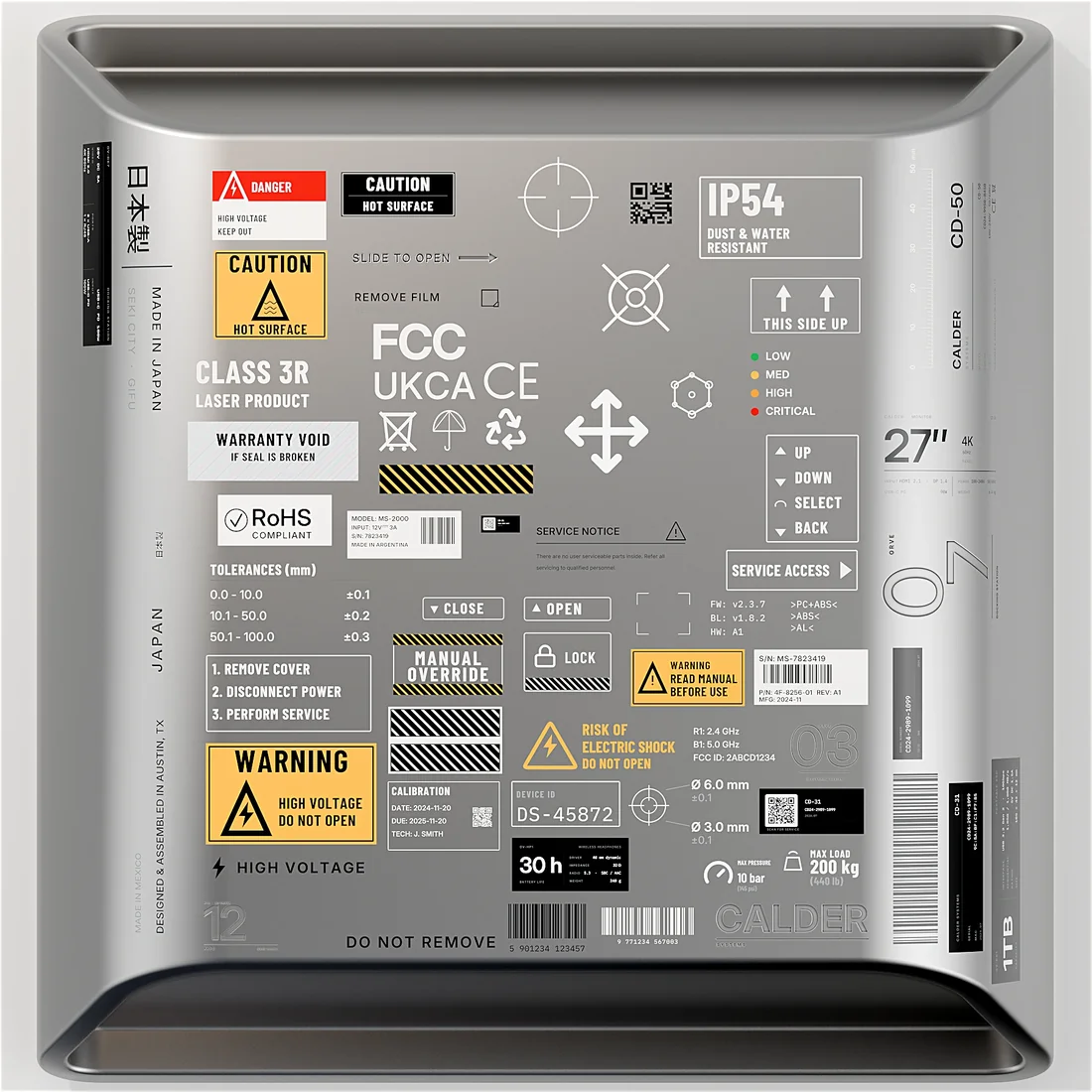
Grouped by shape, because you search for a shape, not a name.
The panel you just looked at. Data plates, warnings, barcodes and control panels. 63 flat prints, 6 embossed plates.
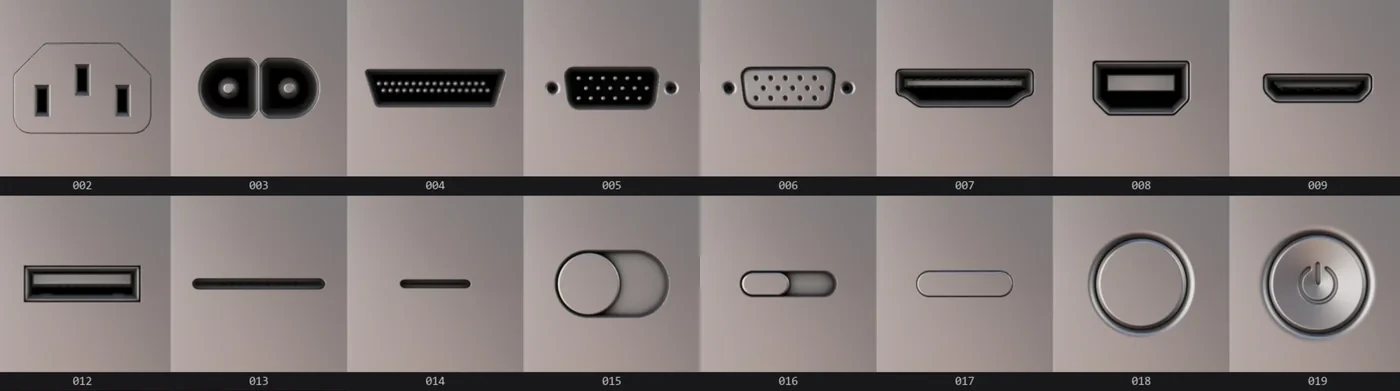
The difference between a box and a device. USB-C, HDMI, D-sub, power, audio, toggles and buttons.
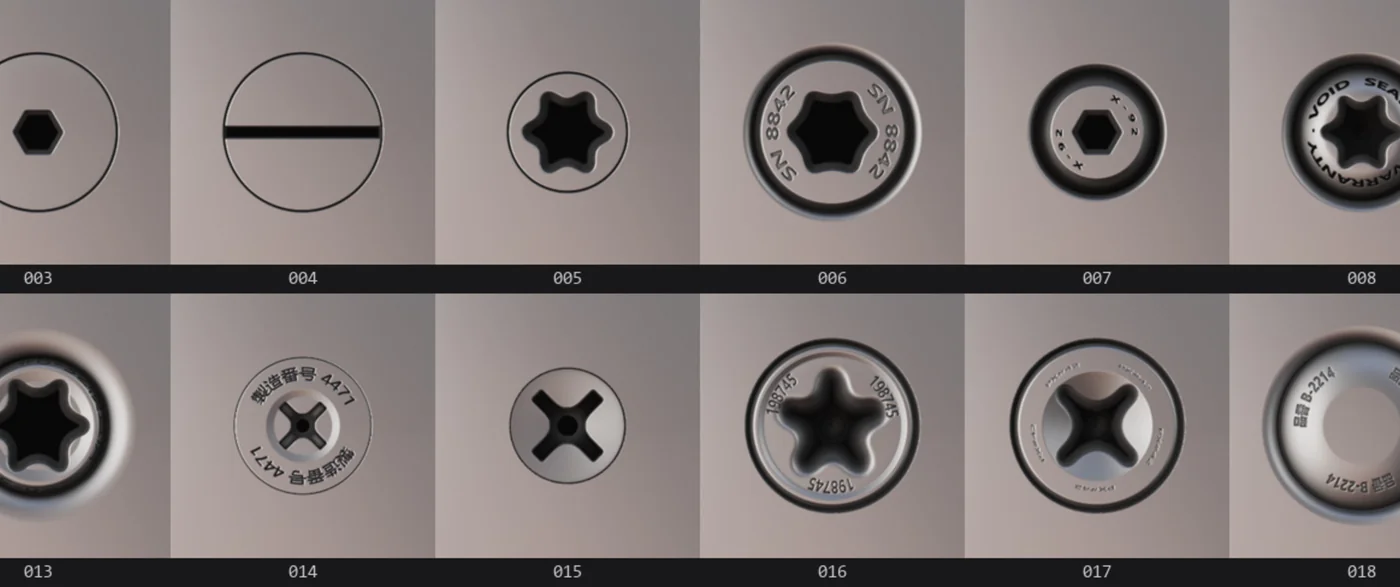
Fasteners that still read at 20 cm: hex, torx, Phillips, slotted, QC stamps and seal rings.
Heat has to go somewhere. Slats, louvres, hex meshes and dot fields that cut a real shadow.
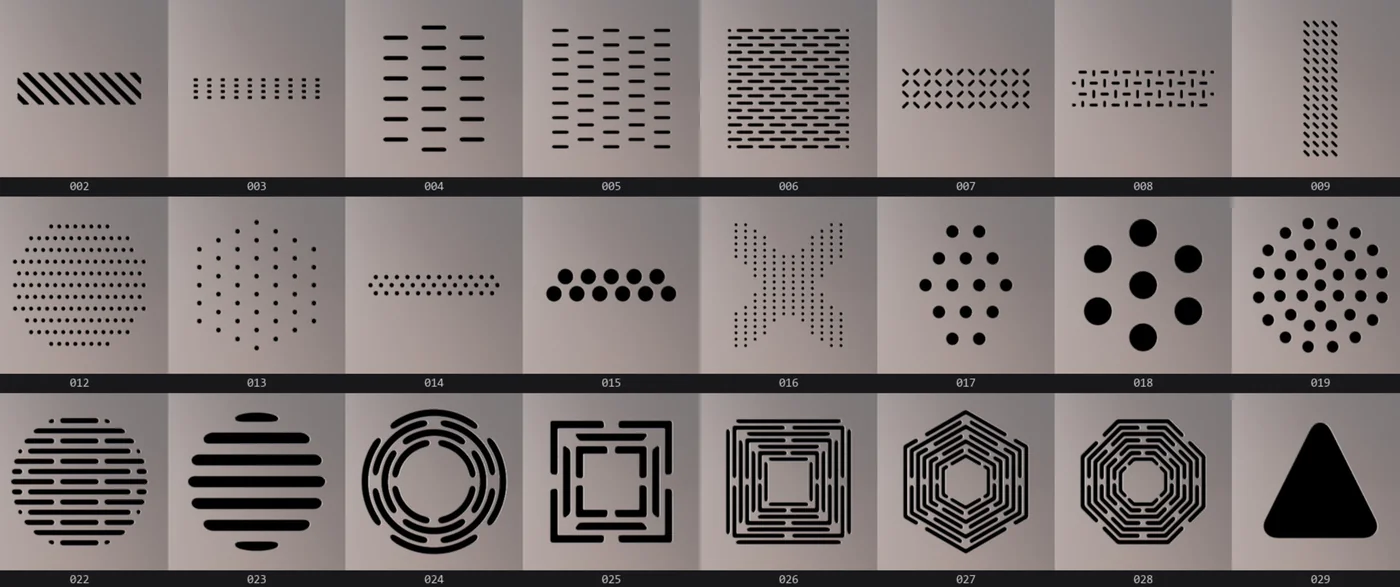
The thankless ones you always end up needing: rectangles, corner brackets, arrows, frames, small accents.
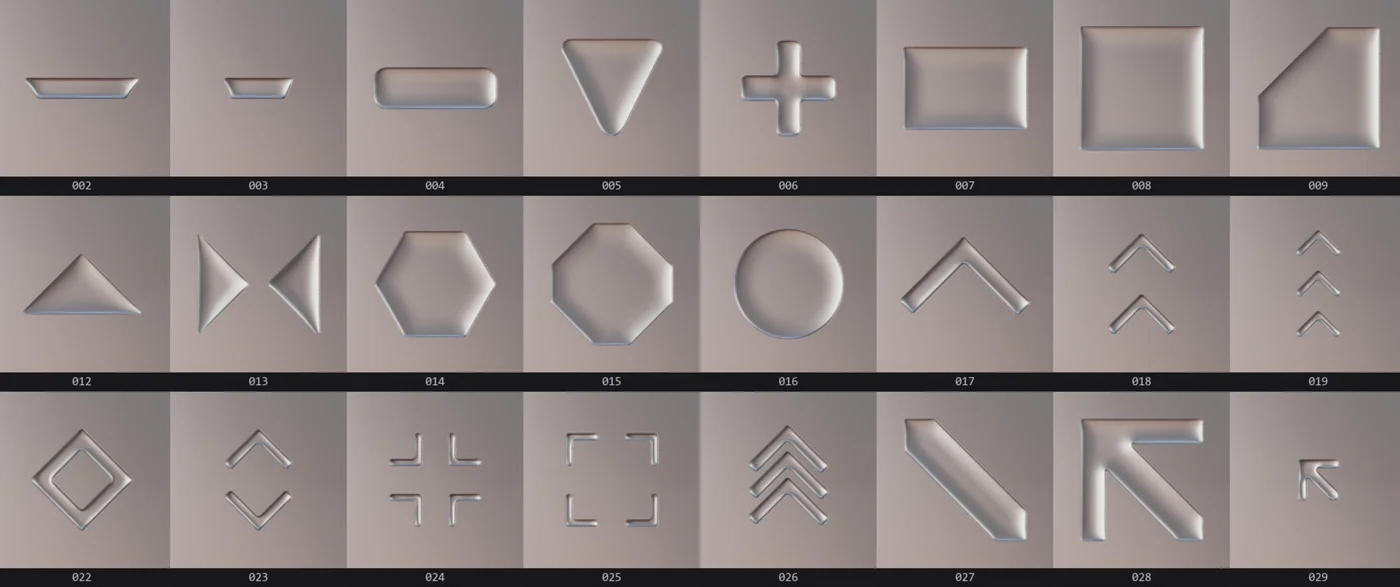
Bevelled plates with a cut edge, so each face catches the light differently.
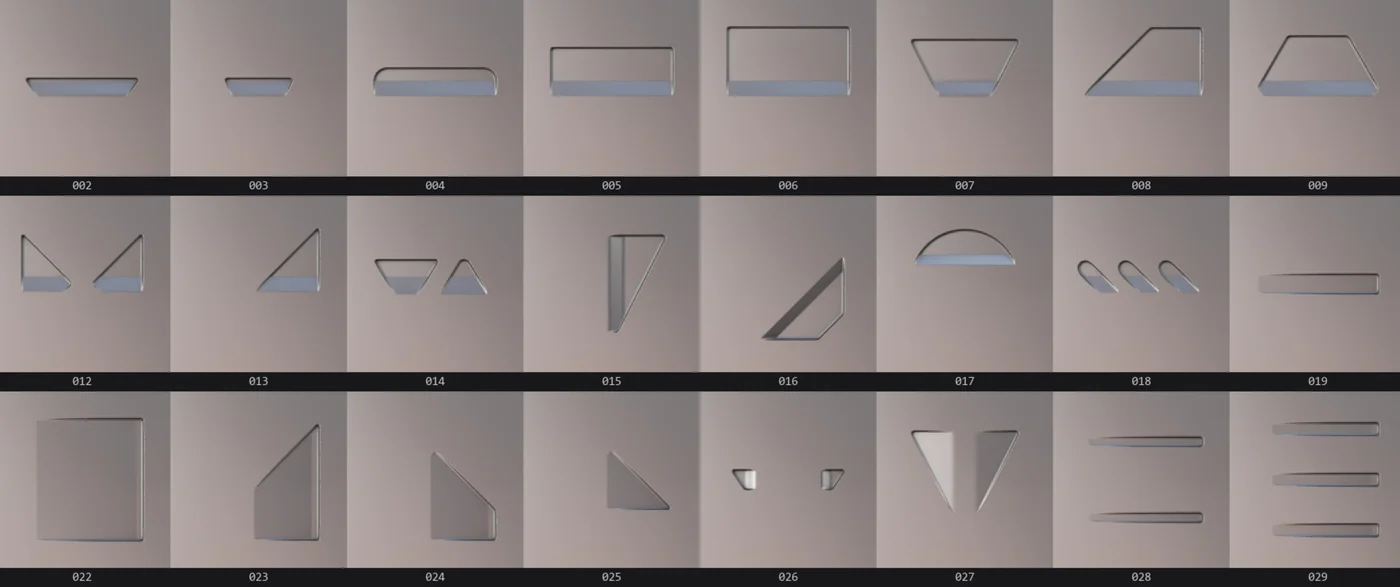
Rounded forms that read as cast or moulded parts, not cut sheet.
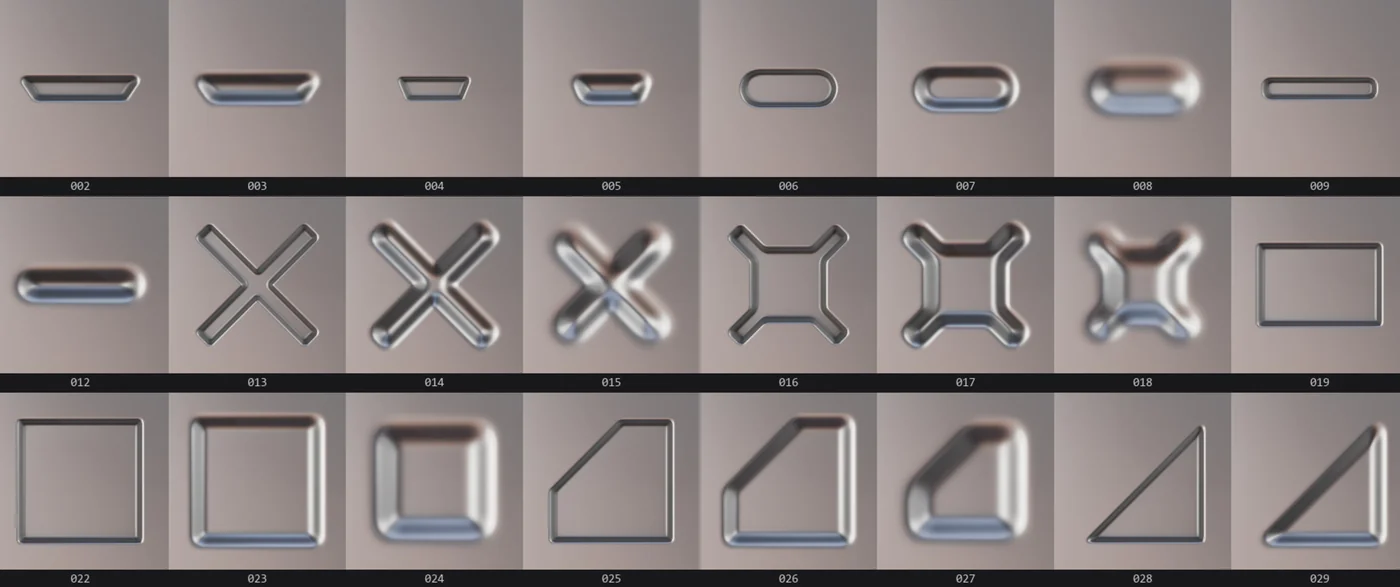
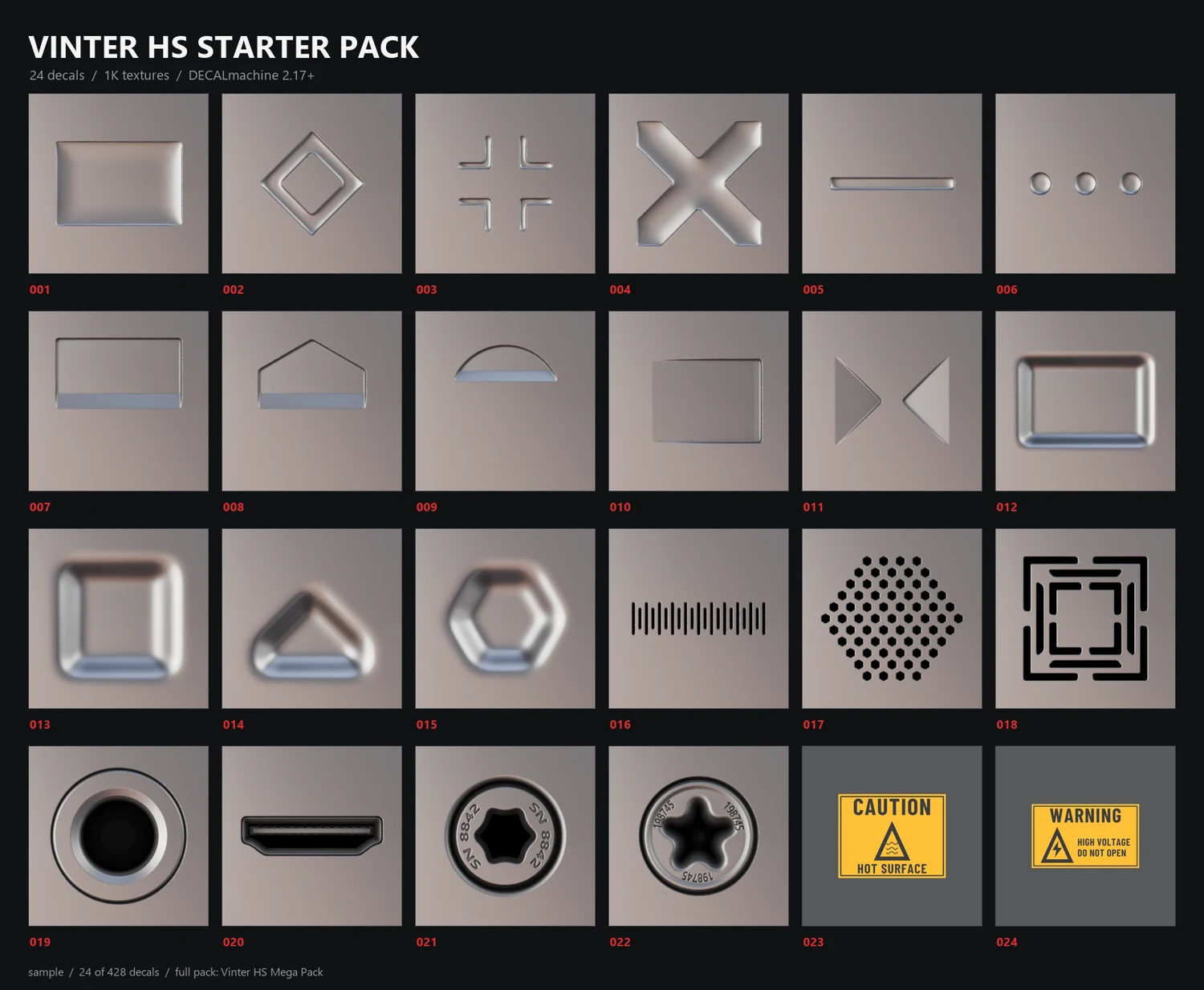
Every embossed decal ships with normal, AO, curvature, height and mask maps, so the bevel reacts to light like real stamped metal.
Each library is a standard DECALmachine folder. Copy them into your assets path and they appear next to your own.
Labels carry their own colour and masks, so a warning next to a vent reads as one deliberate design instead of a pile of stickers.
Same decal, same camera, only the bit depth changes. Drag the handle across the bevel and watch the banding appear.
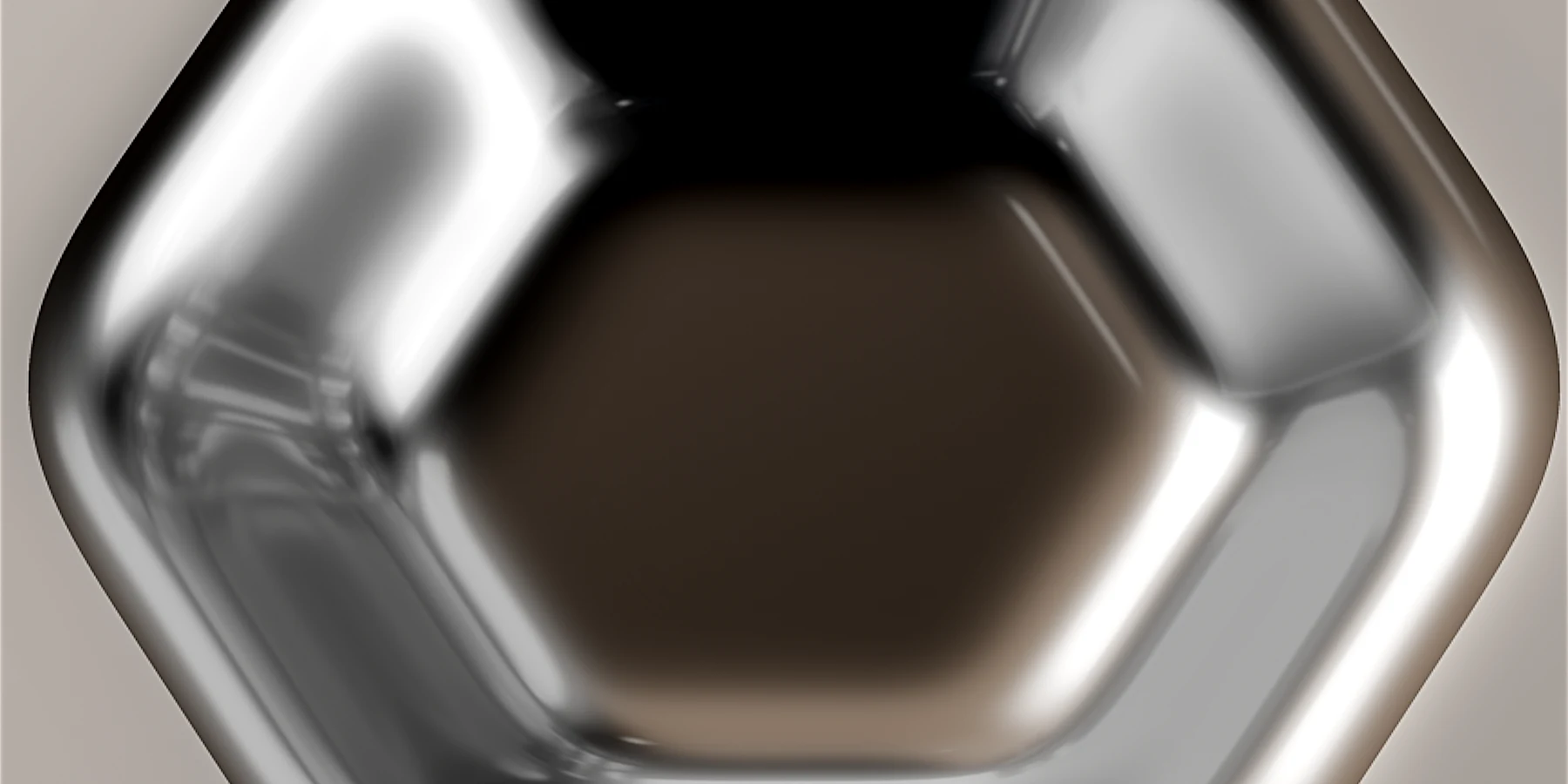
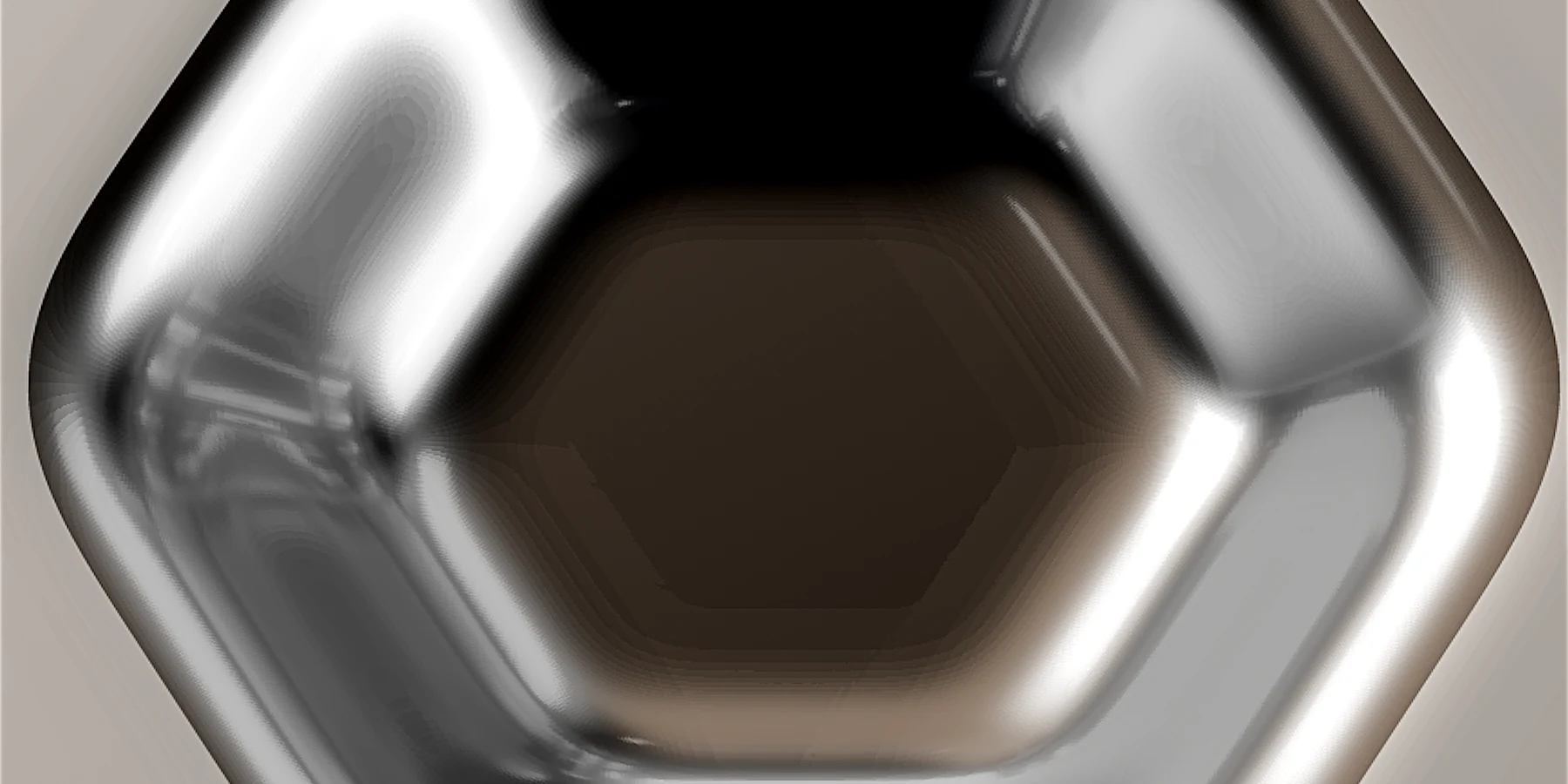 8-bit
16-bit
One decal from every library. Same maps, same quality, and every one of them is already inside the full pack, so nothing you do with the sample is wasted.
$1 24 decals
one from each library